
Explore Services
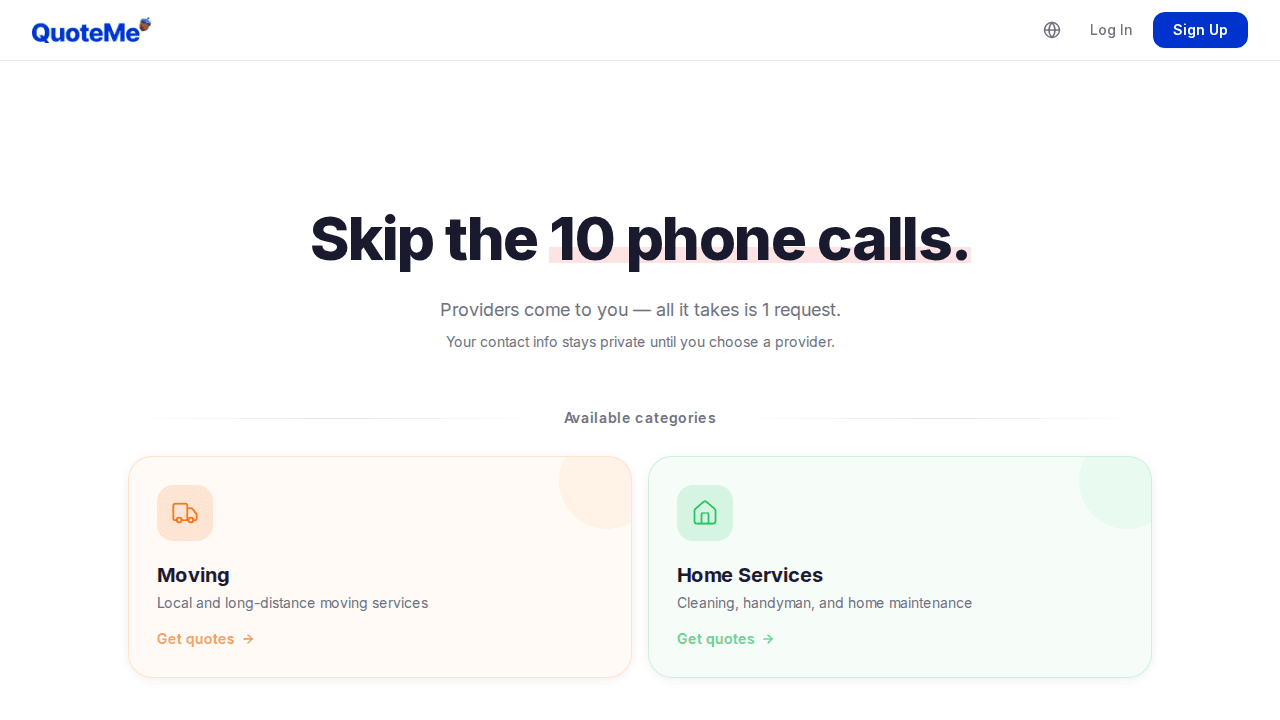
Visit the QuoteMe homepage to browse available service categories. Choose from moving, home services, and more.
Click on any category card to go directly to that service's quote request form.
Sign Up
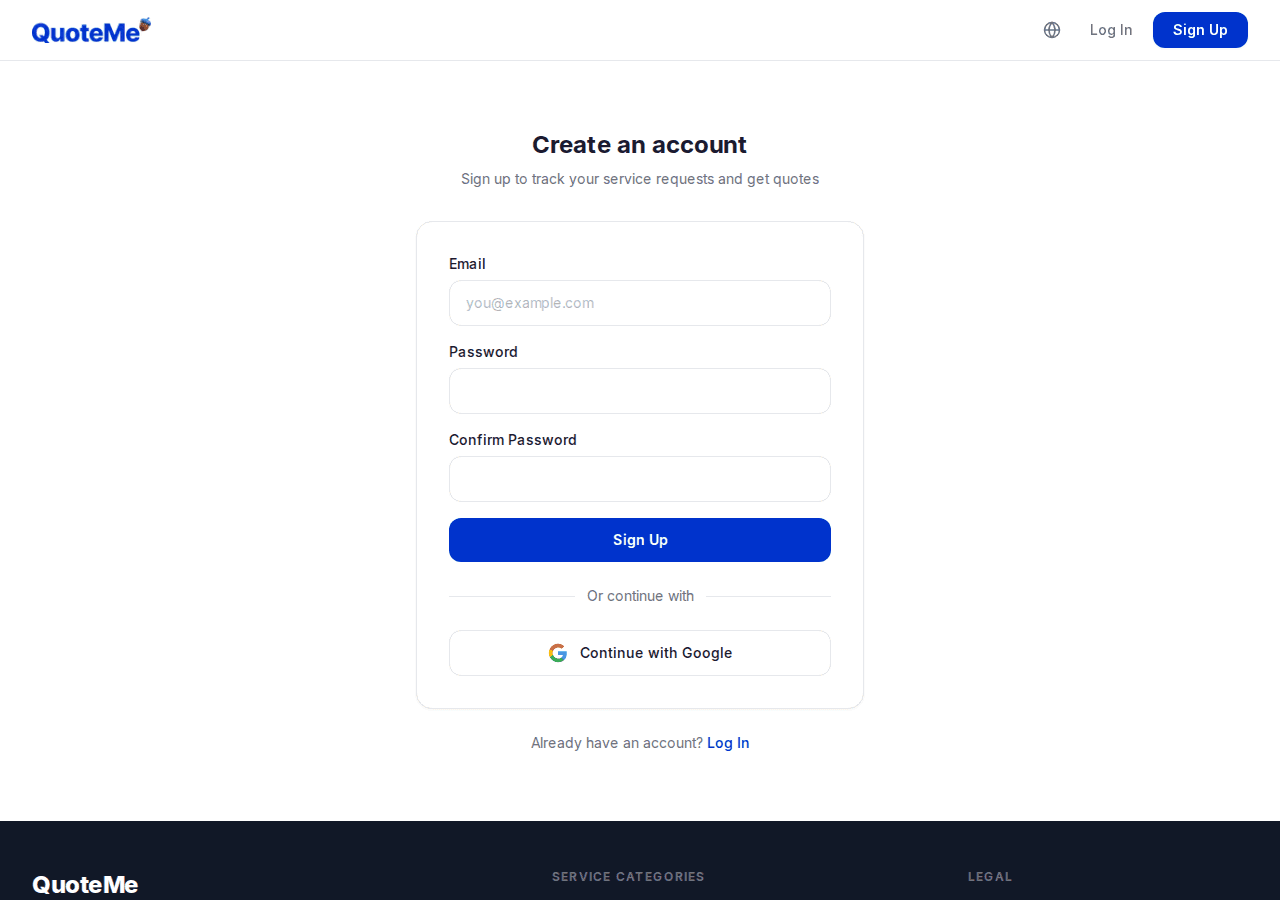
Sign up quickly with your Google or Kakao account, or register directly with your email.
You can request quotes without an account, but creating one lets you manage all your quotes in one place.
Log In
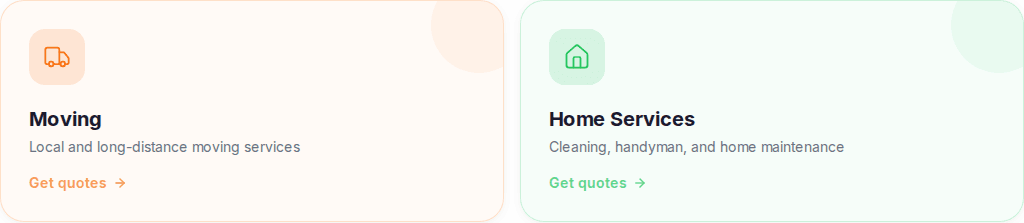
Already have an account? Log in with email, Google, or Kakao.
Once logged in, you can view and manage all your quote requests from your dashboard.
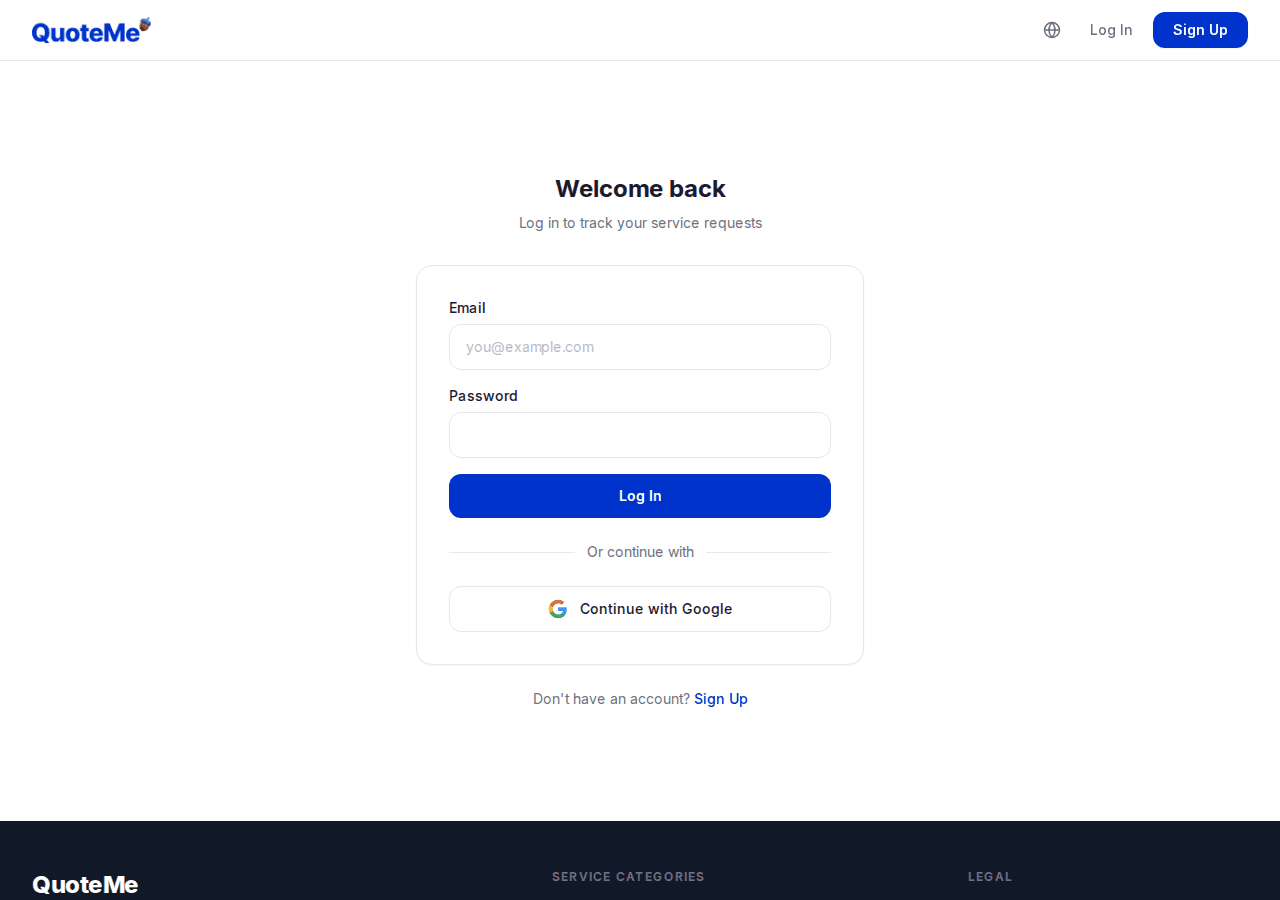
Choose a Category
Select the service category you need. We currently offer moving and home services (cleaning, handyman, etc.).
Click 'Get Quotes' to go to the detailed request form for that service.
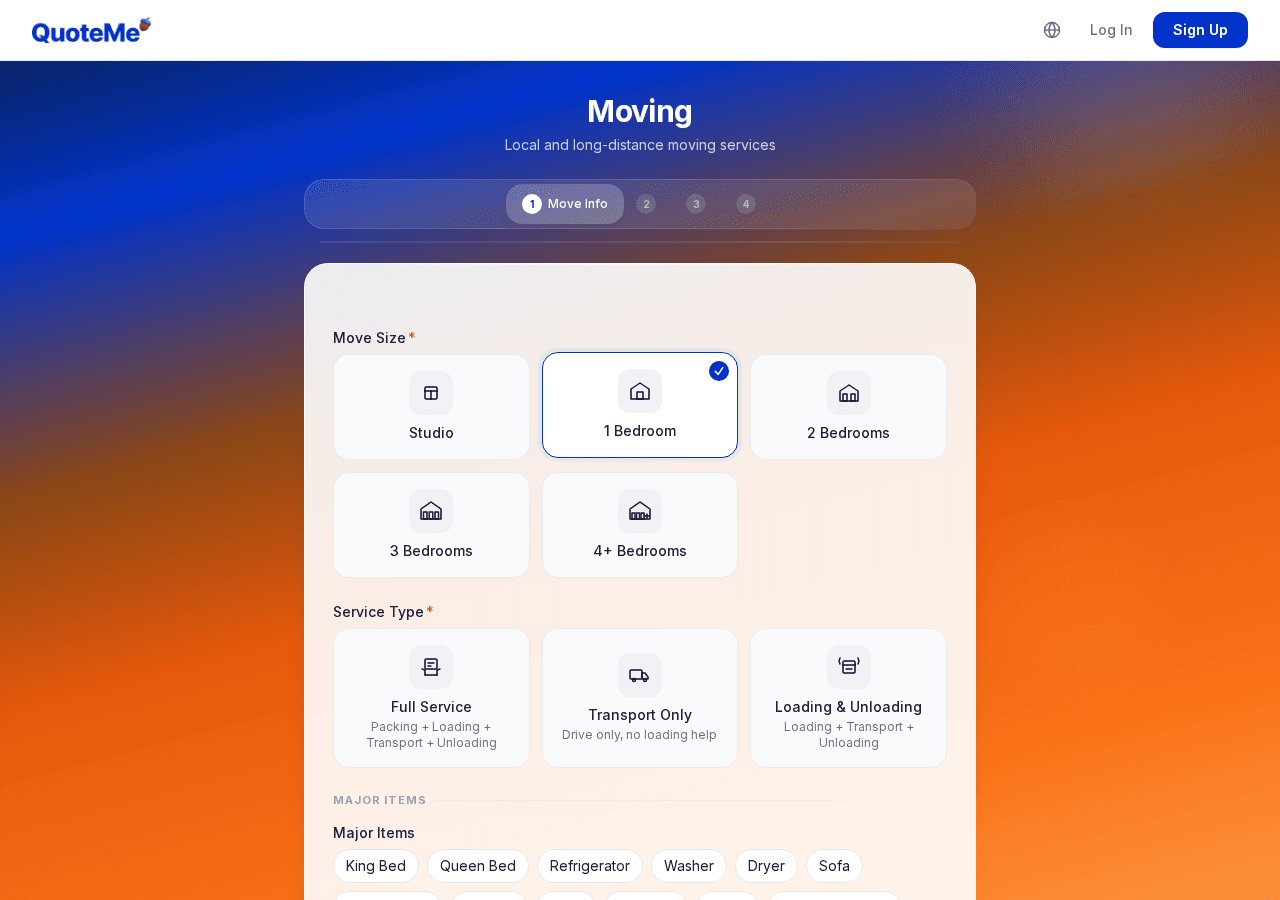
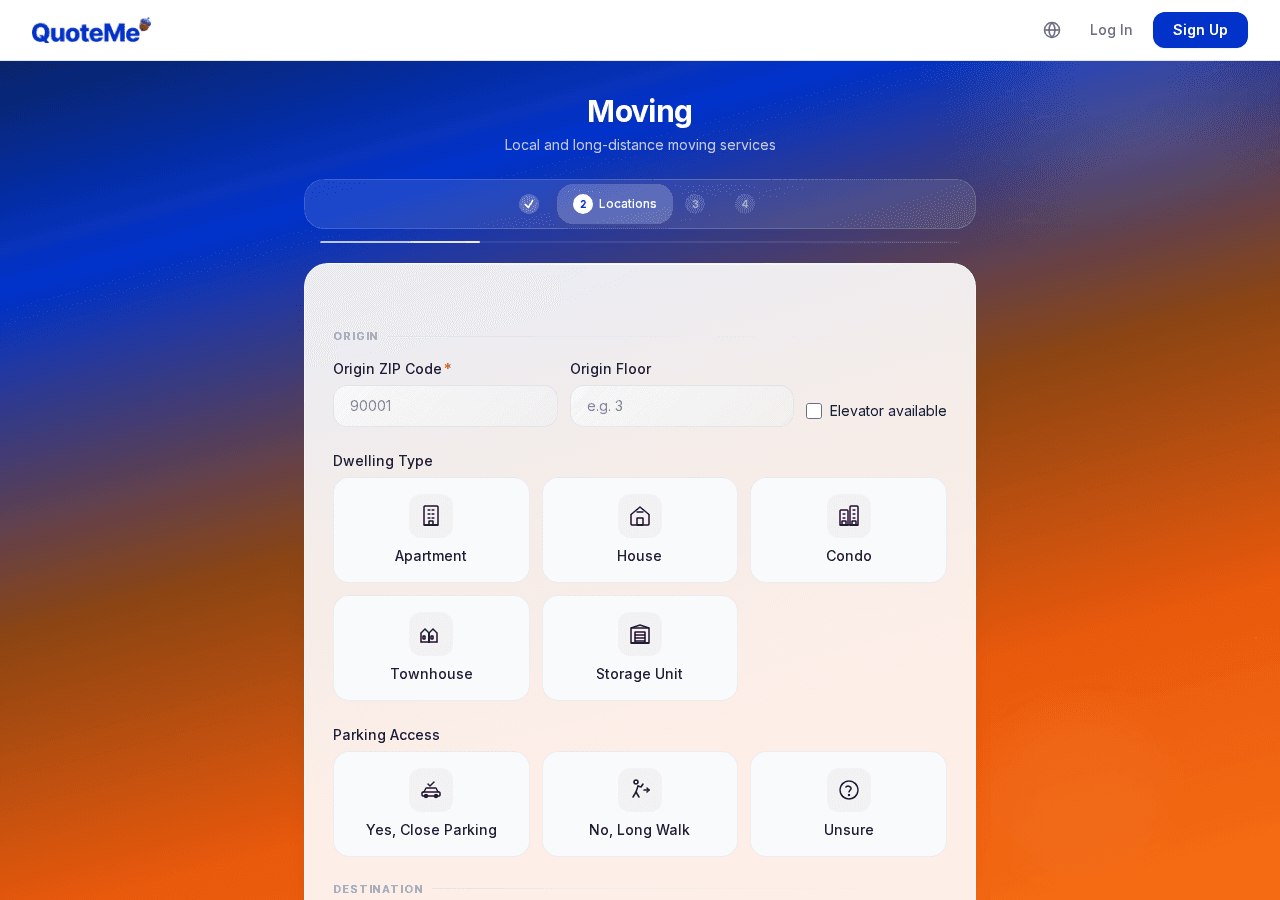
Fill Out the Request Form
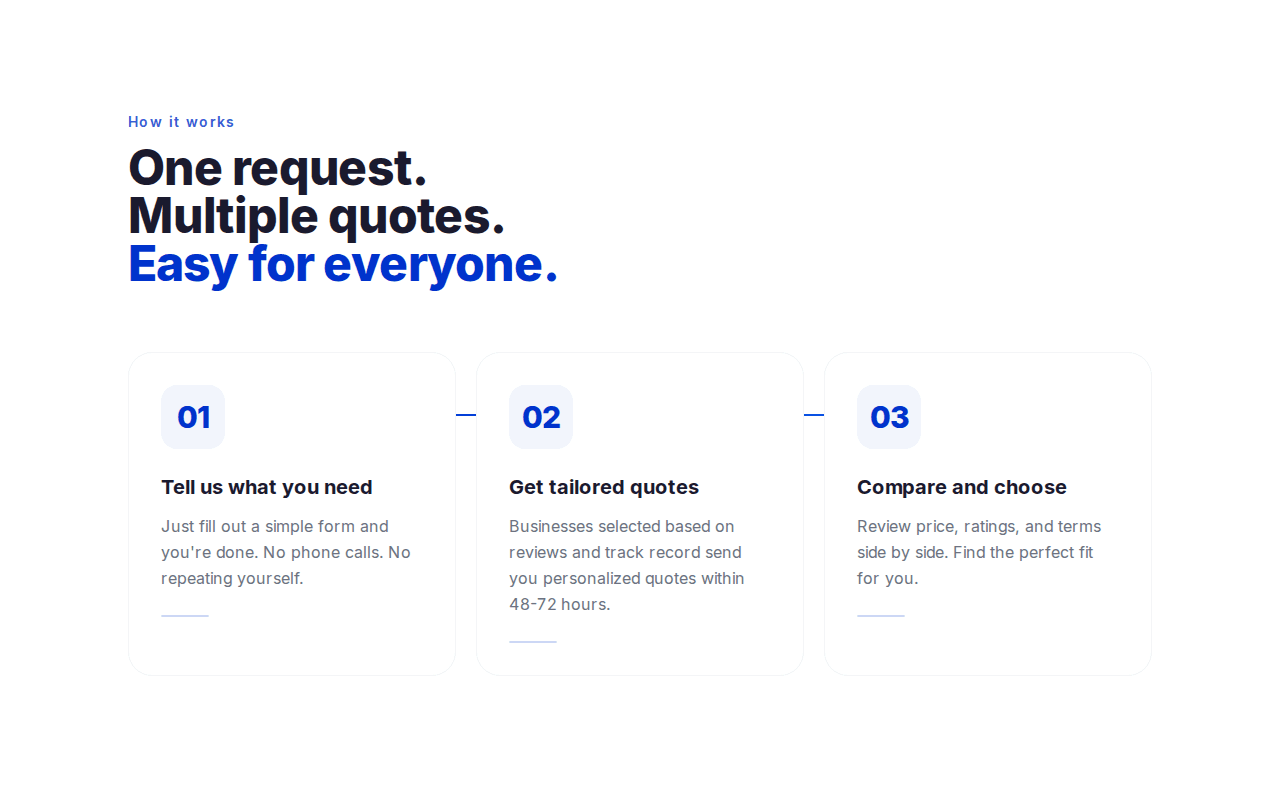
Follow the step-by-step form to provide the necessary details. Forms have 3-5 steps depending on the service.
The more accurate your information, the better your quotes will be. You can also attach photos.
Request Submitted
Once submitted, you'll see a confirmation screen. You'll receive email notifications when quotes arrive.
Quotes are quickly organized and delivered to you.
Review & Compare Quotes
Compare received quotes side by side on your dashboard. Check pricing, ratings, warranty terms, and more.
Sort by recommended, price, or rating to find the best match for your needs.
When quotes arrive, compare pricing, ratings, and warranty terms on your dashboard to choose the best provider.
Access this from 'My Requests' after logging in.
Select a Provider
When you select a quote, your contact info is shared with that provider only. Your info stays private until you choose.
Once you confirm, the provider will reach out to you directly. This selection is final, so choose carefully.
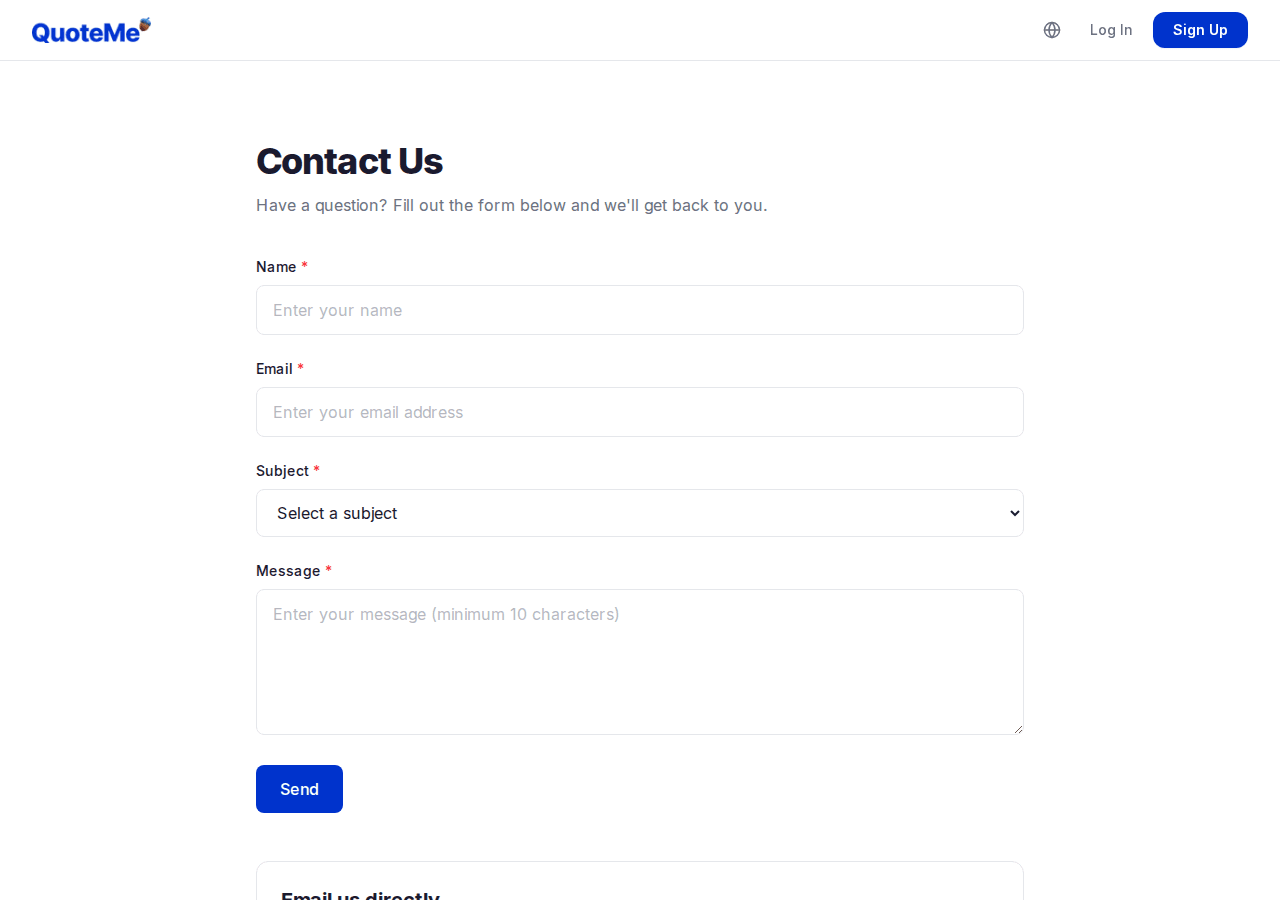
Contact Us
Have questions while using the service? Visit the Contact page to send us a message.
We'll respond via email within 1-2 business days.
Pro Tips
- Attach photos to your request for more accurate quotes.
- You can request quotes for multiple categories at the same time.
- Use the guest link to view quotes without logging in.
Ready to get started?
Request a quote now. Compare quotes from multiple providers for free.